
Your app.
Ready to show.
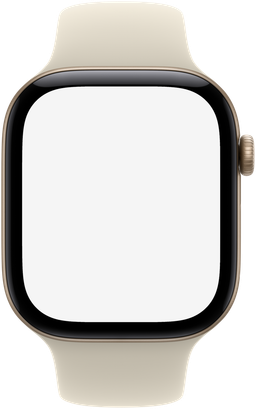
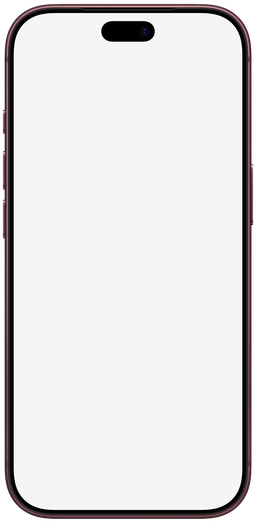
Free iPhone, iPad, Mac, and Apple Watch mockups. Add your screenshot. Download a PNG.
Free to useNo account needediPhone DuoNew
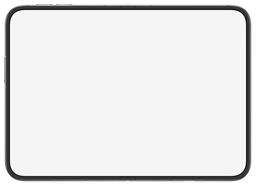
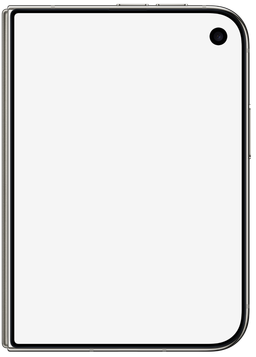
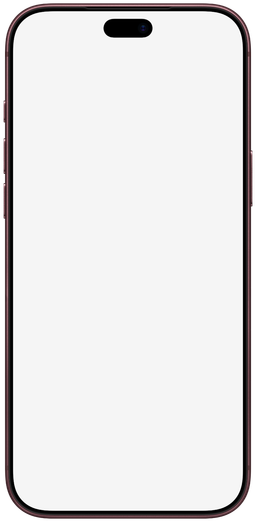
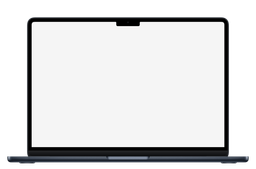
A frame for every screen.
Choose your device. We’ll take care of the fit.

From screenshot to showcase.
 01
Add your screenshot
Choose an image or drag it into the editor. Your files stay in your browser.
- 02
Make it fit
Pick a device and color. Adjust the crop or add a background.
- PNGReady to download03
Download your image
Export a PNG for your website or presentation, or a ZIP of your screenshot set.
A few useful answers.
Is mockdevice free to use?
Yes. You can create and download mockups without an account or a subscription.
Where do my screenshots go?
Your images are processed in your browser. mockdevice does not upload them to a server. Your current project is saved on this browser and device.
Can I come back to a project later?
Yes. Your draft is saved automatically in this browser.
Made something good?
Let’s put it in a frame.
Your screenshot is all you need.