
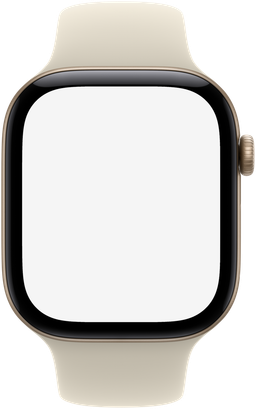
Match the watch and case size
Pick the model and case size before adding your watchOS screenshot. Apple Watch screens have different pixel dimensions, so an image made for one case may crop differently in another.
The catalogue includes Apple Watch Ultra 4, Series 12, and SE 3. The Ultra 4 frame uses 422 × 514 pixels; the Series 12 42mm frame uses 374 × 446, and the 46mm frame uses 416 × 496. Use the dimensions listed on the selected model page rather than a generic square image.
Keep important content inside the rounded screen
Add a screenshot from the app or simulator. Check the time, buttons, and complications near the corners. A rectangular screenshot is clipped to the actual screen opening, so content pressed into the corners may disappear.
Use the crop controls to reposition the image or choose Fit image to retain the whole screenshot. For a watch-face presentation, use your own watch-face design or a screenshot you have permission to present.
Choose a case and band combination
Color options use the case and band combinations available for that model. Select a swatch and inspect the preview before exporting. The band is part of the frame image; it is not a separate strap designer.
Use the same model, band, and crop for a series of watchOS screens. This makes a feature comparison easier to read, particularly when the final image is small.
Export for a website, deck, or store image
Download Device only for a transparent PNG of the watch and band. The full image dimensions include the hardware and are larger than the app screen. Select Canvas when you need a specific output size or background.
For an App Store submission, choose the matching Apple Watch size and an opaque background, then check Apple’s current screenshot specifications. A device-framed marketing image and a raw app screenshot serve different purposes.
For store submissions: Apple’s screenshot specifications ↗
Written by mockdevice · Updated October 20, 2026